
 View screenshot
 Platform jumping
Cloud Hop
Jump between clouds and keep climbing. Look for super clouds that launch Lumi even higher.
AETHERLING / MEET LUMI
Dress up, play minigames and explore together.
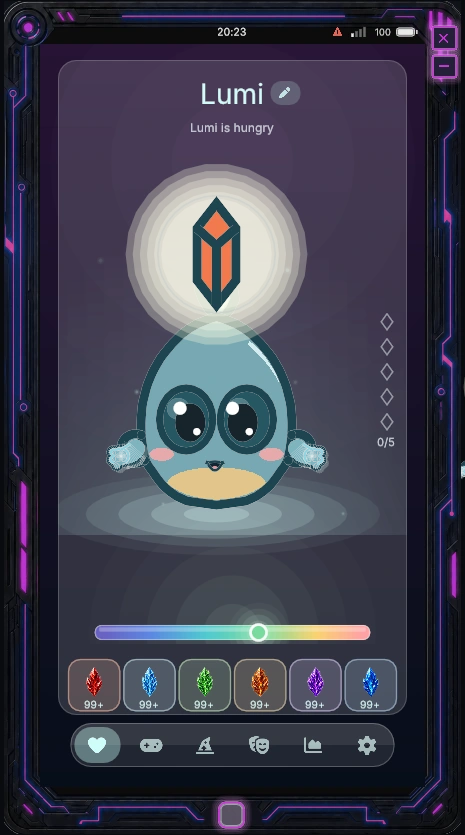
Meet Lumi: a companion to dress up, spend time with and take along on your adventures. A little personality inside your phone, or floating right beside you in the game.
Get AetherOSAn Aethercore purchase starts your Lumi story. Additional forms and cosmetics have their own availability.

Dawn · Lumi preview
A HOME OF THEIR OWN
Open Aetherling to visit your companion. Change their look in the wardrobe, choose an emote or take a break with a minigame.
Lumi can also float outside the phone, keeping you company while you play.
PLAY WITH YOUR LUMI
Open Games inside Aetherling to find Lumi’s own minigames. Jump, catch, roll and solve puzzles with your companion, then try to beat your best score.
View screenshot Platform jumping
Jump between clouds and keep climbing. Look for super clouds that launch Lumi even higher.
 View screenshot
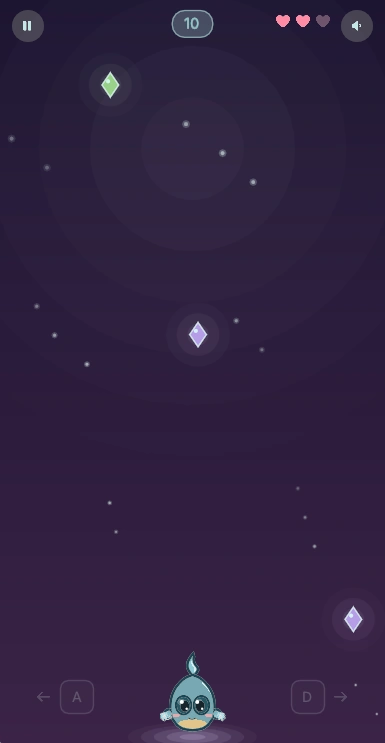
 Catch and dodge
Catch falling crystals and power-ups. Dodge bombs and spikes to keep your three hearts.
 View screenshot
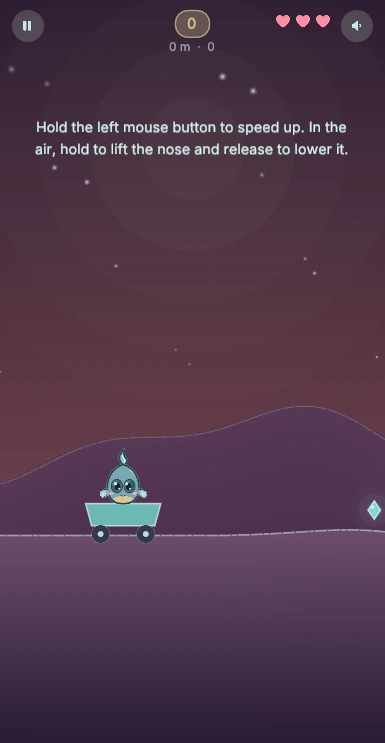
 One-button hill riding
Roll over hills, launch off the crests and line up your landings. Use turbo pads and airborne boosts to keep going.
 View screenshot
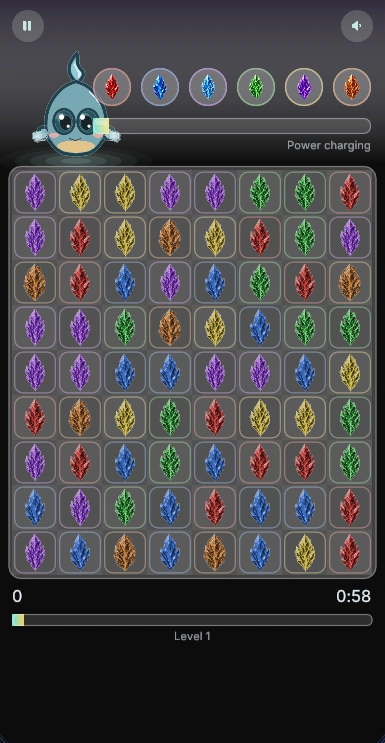
 Match-three puzzle
Swap pieces to match three or more. Make bigger matches for special pieces, build cascades and charge elemental powers.
 View screenshot
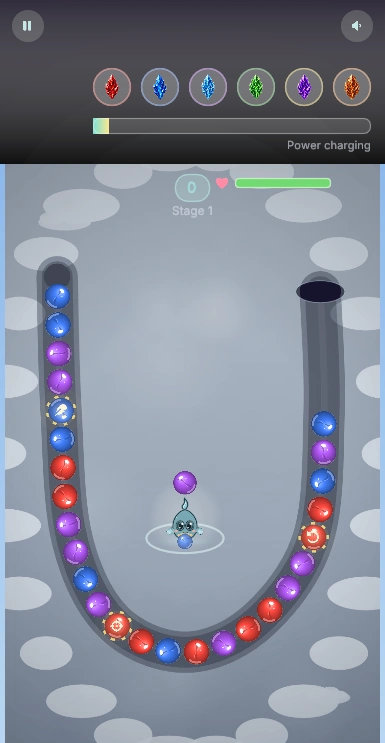
 Marble shooter
Aim at the moving chain and match colours to clear marbles before they reach the end. Close gaps to set off combos.
 View screenshot
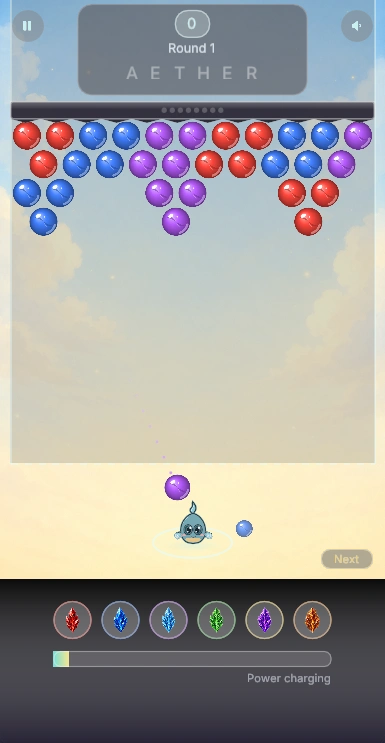
 Bubble shooter
Bounce shots off the walls and match three bubbles of the same colour. Drop hanging groups before the ceiling presses them down.
THE LUMI WARDROBE
Pick an accessory and give Lumi a turn on the catwalk. These are real item renders from the AetherOS Store.

Headwear · 1 / 6
A purple pointed hat with a gold star. A little magic for your everyday look.
Choose items in Lumi’s wardrobe inside Aetherling. You can change colours, forms and compatible accessories there. Item availability varies; this catwalk does not make a purchase.
SAME LITTLE SOUL. A DIFFERENT LOOK.
Form and palette previews. Availability varies by item.
Lumi
Installation
AetherOS ships as a Dalamud plugin via our own repository. You need the game running through XIVLauncher with Dalamud enabled.
In game, type /xlsettings and switch to the Experimental tab.
Paste the repository URL below into Custom Plugin Repositories and press the + button, then save.
Open /xlplugins, search for AetherOS and press install. The phone icon appears immediately.
Open the phone, follow the short onboarding, and the home screen is yours.
https://puni.sh/api/repository/aetherlovePaste this URL into Dalamud's custom plugin repositories.