




Accessory
Wizard’s Hat
A pointed hat for your little companion.
THE AETHEROS STORE
Dress up your phone. Spoil your Lumi.
Spend your Sparks on the things that make your phone feel personal. Explore skins, avatar rings, companion looks and useful extras in the in-app Store.
Explore the collection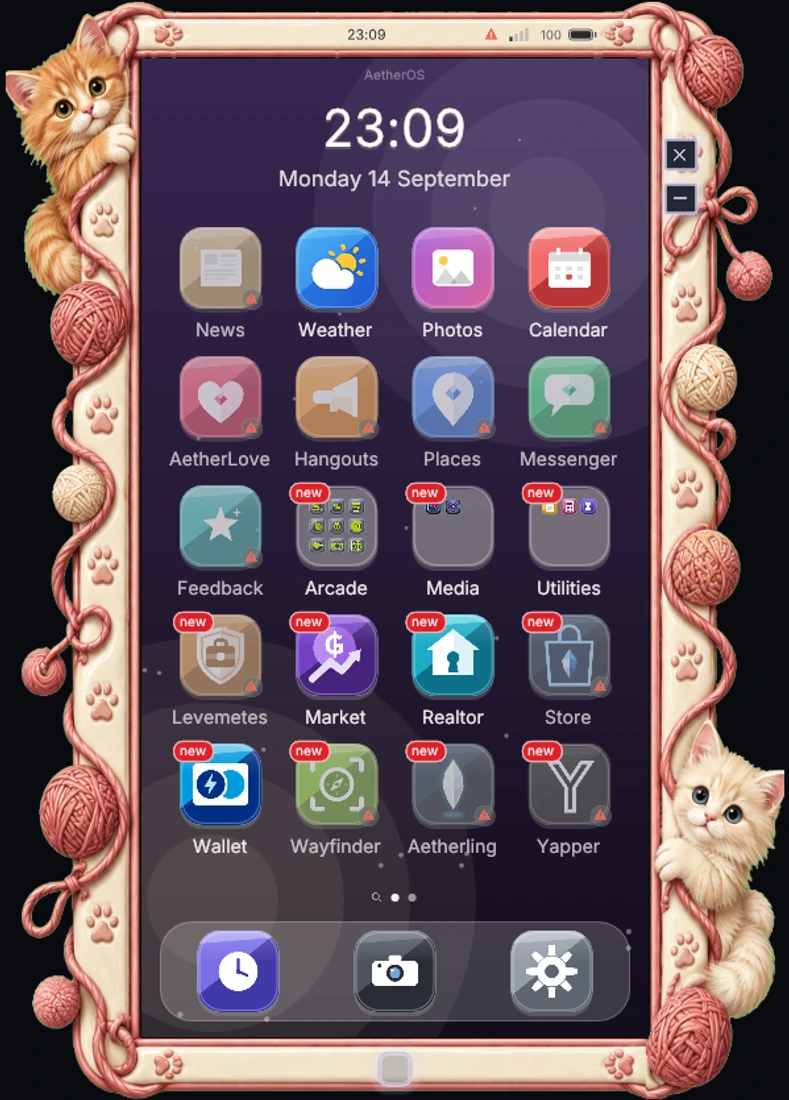 Find your favourite ✳︎
POINTS FOR PLAYING, SHARING & SPENDING TIME TOGETHER
Use your apps, play games and enjoy time with friends to earn Sparks for the Store.
AetherOS will never sell points for real money.
Explore ways to earn SparksPHONE SKINS
Detailed bezels and matching palettes. From cosy cats to stained glass and deep-sea colours.



THE LUMI WARDROBE
Pick an accessory and give Lumi a turn on the catwalk. These are real item renders from the AetherOS Store.
Headwear · 1 / 6
A purple pointed hat with a gold star. A little magic for your everyday look.
Choose items in Lumi’s wardrobe inside Aetherling. You can change colours, forms and compatible accessories there. Item availability varies; this catwalk does not make a purchase.
A LITTLE SOMETHING FOR LUMI
Pick out accessories, give Lumi a new name or stock up on elemental crystals to feed your companion. These are actual Store product images. Browse inside the phone for current availability and prices.
Accessory
A pointed hat for your little companion.

Name change
Give your Lumi a new name.

Food
An elemental crystal to feed your Lumi.

Food
Another flavour of elemental food for your companion.

Avatar rings
Frame your avatar with a little love. Preview your ring across your profiles.

Listing boosts
Give your venue listing more visibility in Places.

Listing boosts
Give your Levemete listing a boost on the board.
A THANK-YOU FOR SUPPORTING US
Supporters pay less on Store purchases, including during sales.
Explore supporter perksYOUR SPARKS START HERE
Check your balance and discover ways to earn Sparks for your next find.
What are Sparks? Learn how to earn them
Explore WalletStore
Installation
AetherOS ships as a Dalamud plugin via our own repository. You need the game running through XIVLauncher with Dalamud enabled.
In game, type /xlsettings and switch to the Experimental tab.
Paste the repository URL below into Custom Plugin Repositories and press the + button, then save.
Open /xlplugins, search for AetherOS and press install. The phone icon appears immediately.
Open the phone, follow the short onboarding, and the home screen is yours.
https://puni.sh/api/repository/aetherlovePaste this URL into Dalamud's custom plugin repositories.